Eglantine Linux & macOS
Native Eglantine Linux and macOS packages ship alongside every Windows release, covering x86_64 SteamOS/Bazzite handhelds, native ARM64 Linux boards, and Apple Silicon M1 through M4 Macs via MoltenVK.
Terminal Setup Commands
Exact first-run commands for Eglantine Linux AppImage, FUSE-free tarballs, and Apple Silicon macOS Gatekeeper clearance.
Linux x86_64 & Steam Deck (AppImage / Tarball)
On SteamOS, Fedora Bazzite, Arch, or Ubuntu 24.04+, prefer the PGO AppImage; if libfuse.so.2 is absent, extract the .tar.gz archive directly:
chmod +x eglantine-linux-x86_64-pgo.AppImage
./eglantine-linux-x86_64-pgo.AppImage

# FUSE-free alternative on minimal Wayland / containers:
mkdir -p ~/Games/eglantine && tar -xzf eglantine-linux-x86_64-pgo.tar.gz -C ~/Games/eglantine
macOS 14+ Apple Silicon (M1 / M2 / M3 / M4)
After verifying eglantine-macos-arm64.dmg (87.31 MB in v0.1.0-rc4) with our SHA-256 verifier, drag Eglantine.app to /Applications and remove quarantine attributes:
shasum -a 256 ~/Downloads/eglantine-macos-arm64.dmg
xattr -cr /Applications/Eglantine.app
open /Applications/Eglantine.app
Paths & Driver Notes
Default XDG data directories and platform-specific Vulkan driver behavior on Eglantine Linux and macOS installations.
| Environment | Default Data & Shader Cache Path | Recommended Driver & Known Caveats |
|---|---|---|
| Linux x86_64 (RADV / NVIDIA) | ~/.local/share/eglantine/ & ~/.config/eglantine/ |
Mesa 24.3 / 25.0+ RADV or NVIDIA 560+ proprietary driver; enable Async Shader Building for Steam Deck OLED. |
| Linux aarch64 (ARM64) | ~/.local/share/eglantine/ (or sibling user/) |
Requires Vulkan 1.3 capable Mesa driver (Panthor/Turnip/NVK) and 12–16 GB RAM for Switch 2 titles. |
| macOS arm64 (Apple Silicon) | ~/Library/Application Support/eglantine/ |
Runs over MoltenVK; 16 GB+ unified memory strongly advised. Watch Issue #509 for ReadBlock device-lost regressions. |
Tested Desktop & Handheld Gear
Controllers, dual-channel DDR5 memory, and NVMe storage matched to Switch 2 Vulkan shader workloads.
8BitDo Ultimate 2C Wireless Controller
Hall-effect joysticks and triggers with ultra-low-latency 2.4G dongle for Windows and Linux.
Sony DualSense Wireless Controller
Native SDL2 motion gyroscope support for Splatoon Raiders and Ocarina of Time aiming in Eglantine.
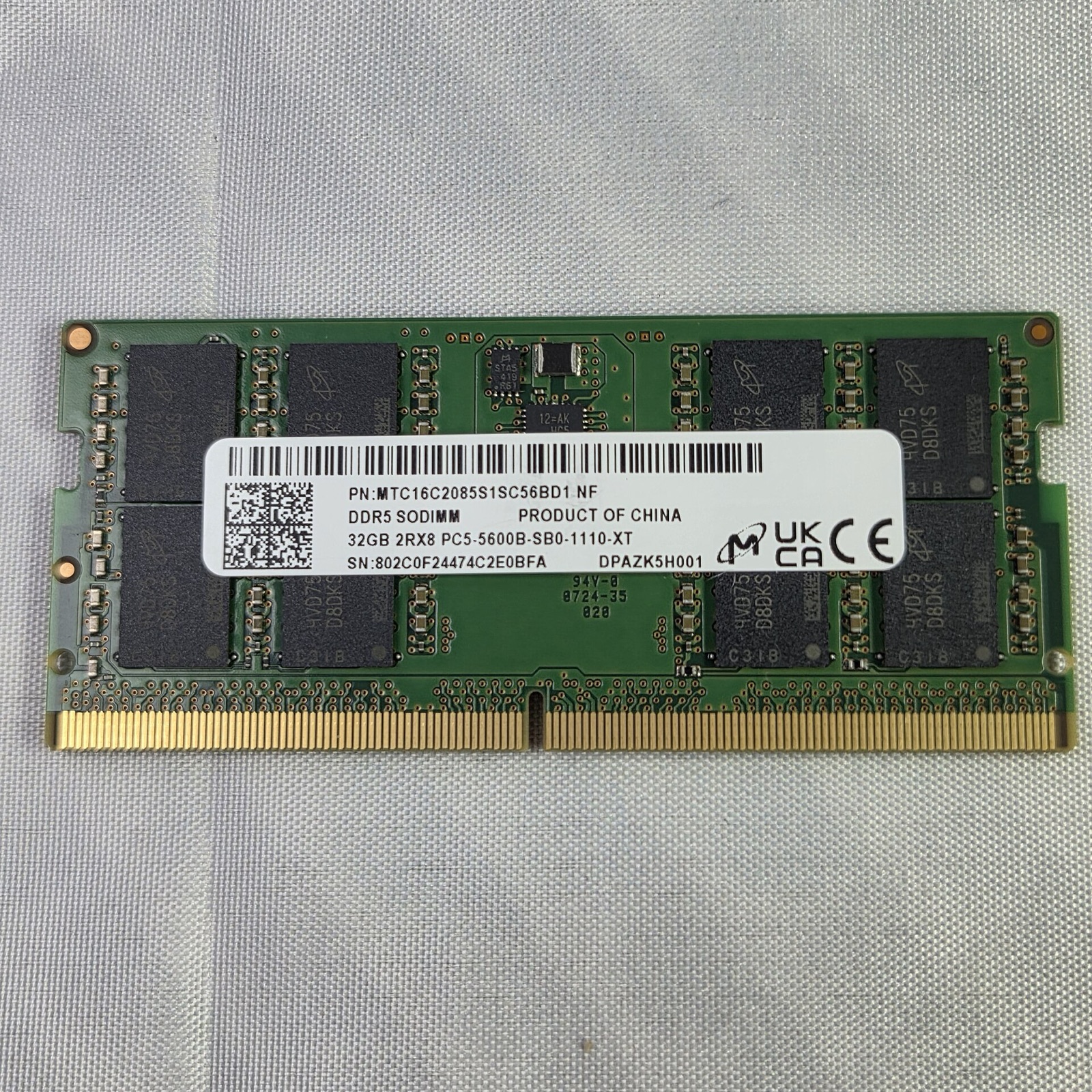
Crucial Pro DDR5 32GB (2x16GB) 6000MHz
Eliminates host pagefile thrashing when compiling dense Switch 2 Vulkan shader pipelines.
Samsung 990 PRO 2TB PCIe 4.0 NVMe SSD
Fast random read throughput for uncompressed game directories and multi-gigabyte Vulkan caches.
Disclosure: As an Amazon Associate we earn from qualifying purchases via hardware links on this page at no extra cost to you.
Linux & macOS FAQ
Practical answers for Eglantine Linux Steam Deck and macOS Apple Silicon users.
Switch Steam Deck to Desktop Mode, download eglantine-linux-x86_64-pgo.AppImage, mark it executable with chmod +x, and add it as a Non-Steam Game so Game Mode maps Steam Input automatically.
Upstream macOS arm64 builds are not notarized with a paid Apple Developer certificate. Run xattr -cr /Applications/Eglantine.app in Terminal after verifying the DMG SHA-256 hash to clear the Gatekeeper quarantine flag.
The Linux aarch64 AppImage and tar.gz target desktop GNU/Linux (glibc + Mesa RADV/Panfrost/Turnip), not Android Bionic directly. Running Switch 2 workloads inside proot containers frequently hits 12 GB+ RAM ceilings.
How do I launch the Eglantine Linux AppImage on Steam Deck?
Switch Steam Deck to Desktop Mode, download eglantine-linux-x86_64-pgo.AppImage, mark it executable with chmod +x, and add it as a Non-Steam Game so Game Mode maps Steam Input automatically.